Recurring transaction
This flowchart illustrates the process of making recurring donations through a company, with various user interactions.
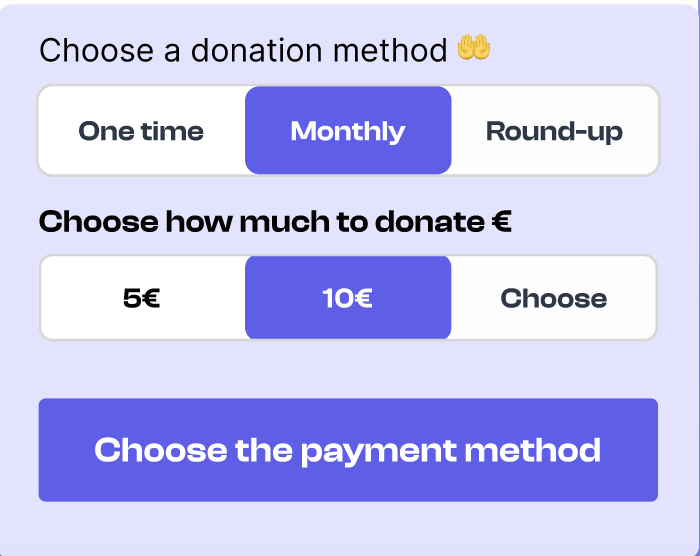
The user begins by selecting the charity and the amount they wish to donate.
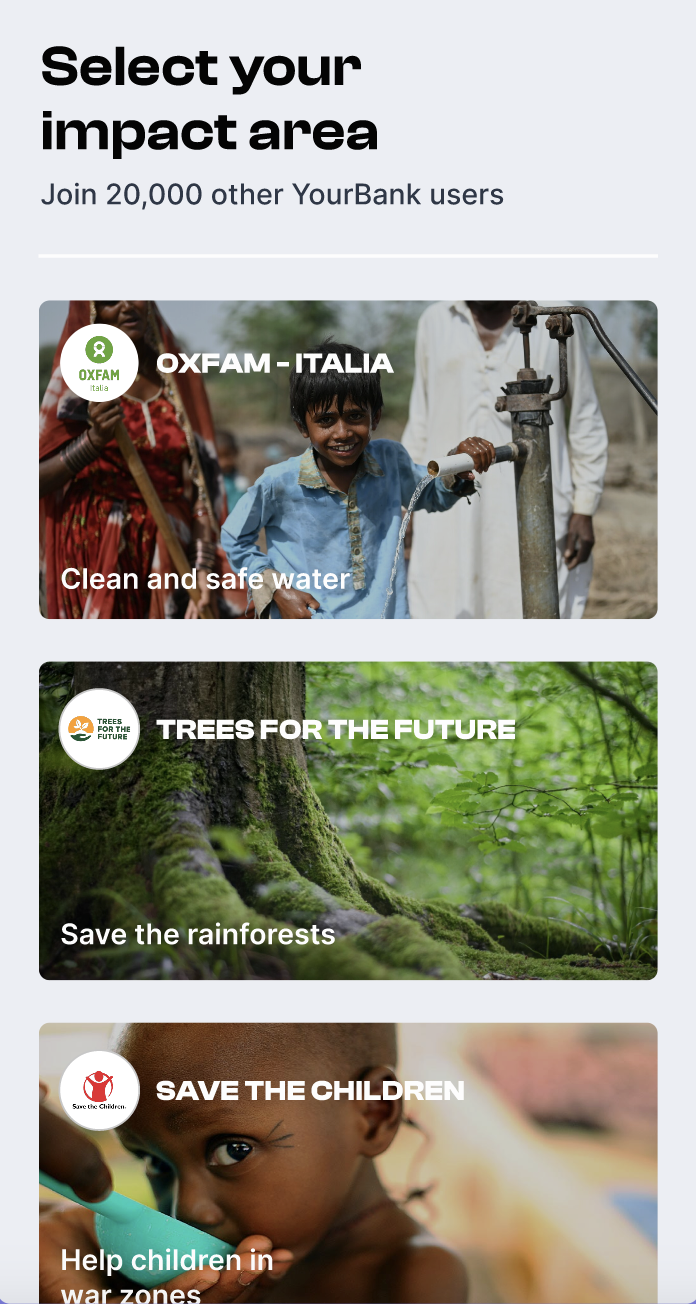
A front-end call without user authentication (red) is made to create a pre-subscription: POST /v1/pub/company/:company_id/pre-subscriptions.
An authenticated front-end call (yellow) is made to retrieve the payment methods: GET /v1/auth/consumer-user/company/:company_id/payment-methods. The system shows a list of available payment methods to the user.
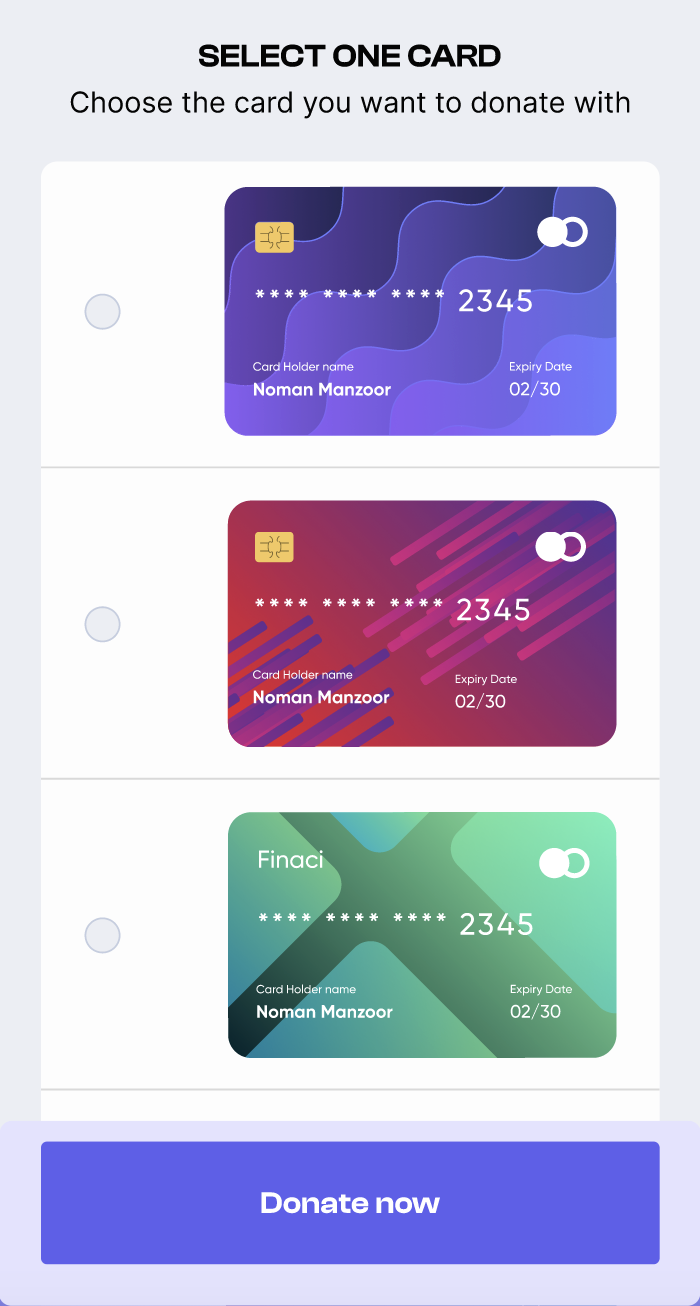
If no payment method is available, the user is directed to add a new method: POST /v1/auth/consumer-user/company/:company_id/payment-methods. If a payment method exists, the user proceeds to choose who will make the donation: the user themselves or the company.
Depending on who is making the donation, a back-end call with user authentication (green) is made to create the subscription. If the user makes the donation: POST /v1/auth/consumer-user/company/:company_id/subscriptions and create the subscription.
If the company makes the donation: POST /v1/auth/company/:company_id/consumer-user/subscriptions and create the subscription.
Cents automatically create pre-transactions every month.
A decision is made on who will handle the transaction: Cents or the company.
If Cents handles the transaction, they call the company when there are new transactions, making a company call with transaction details.
If the company handles the transaction, they ping the system to retrieve transactions to do: GET /v1/auth/company/pre-transactions?to-pay=true, and then handle the donation payment.
Finally, a back-end call with user authentication (green) is made to update the transaction: POST /v1/auth/company/transactions and update transaction.